Small Hours / Visual novel UI & Ren’Py template
Afterword
A coordinated plum-and-paper visual novel interface with text-free artwork and a working Ren’Py template. Try title, dialogue and choices free in Ren’Py or Godot.
Version 1.0.0 · Released 2026-11-04
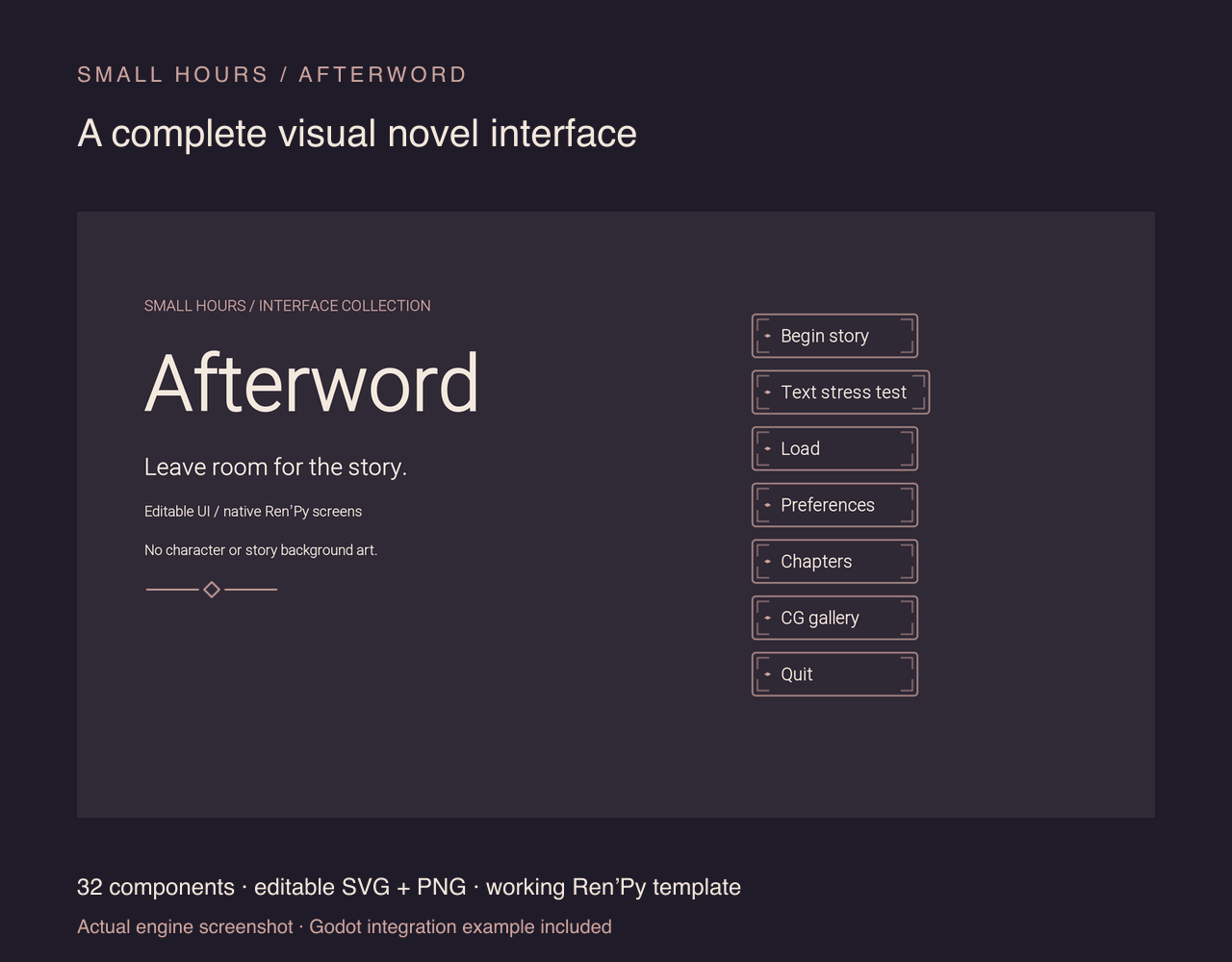
30 PNG + 15 SVG · 6 components · 1x/2x · engine examples
Commercial game use · no credit required · code MIT
English documentation, English/Chinese story-line replacement demo; English interface
A quiet interface for a reading game
Put your own words in it.
Try the actual free PNGs, replace a line, then import the included engine example.
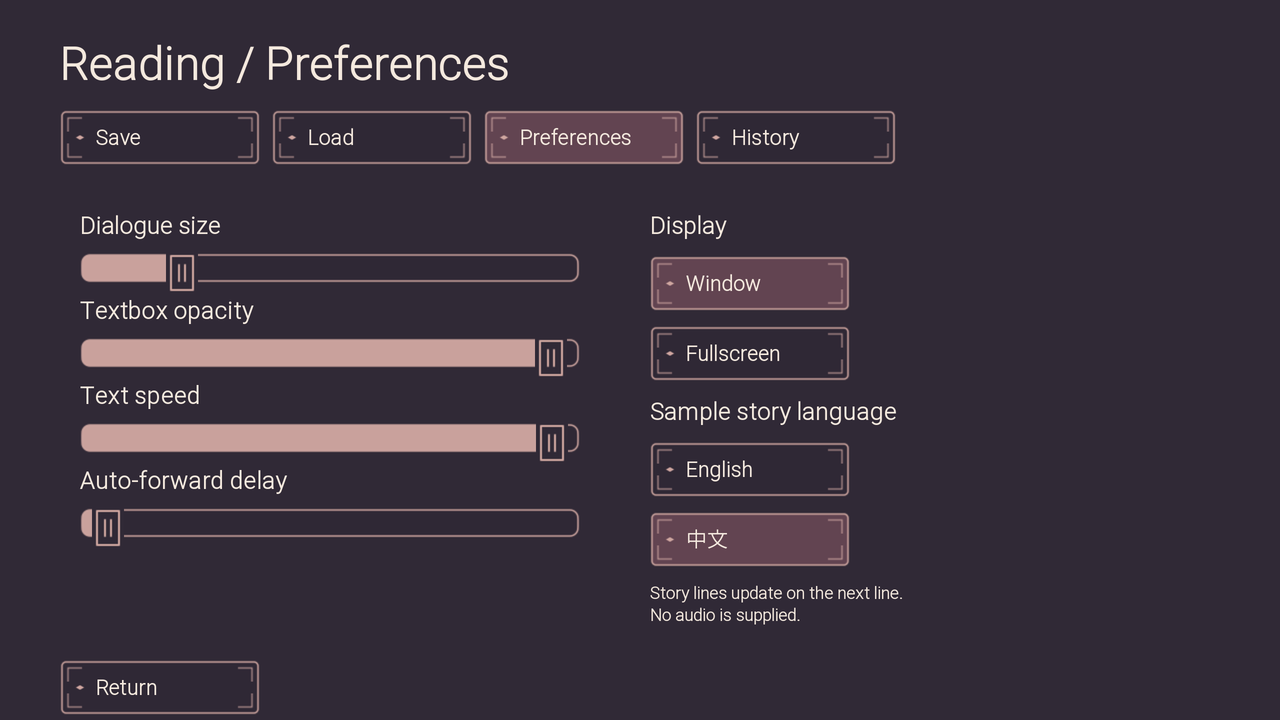
The web preview enables title, dialogue and choices. The screenshots below come from the running Ren’Py project.
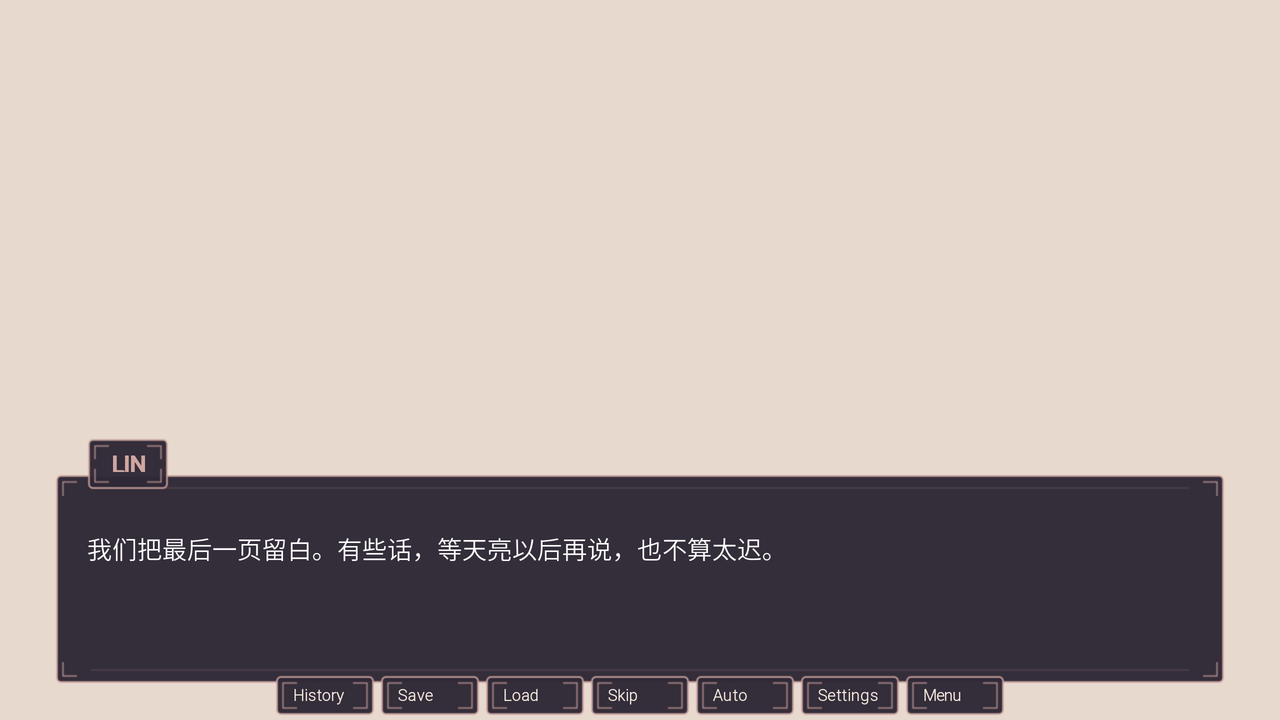
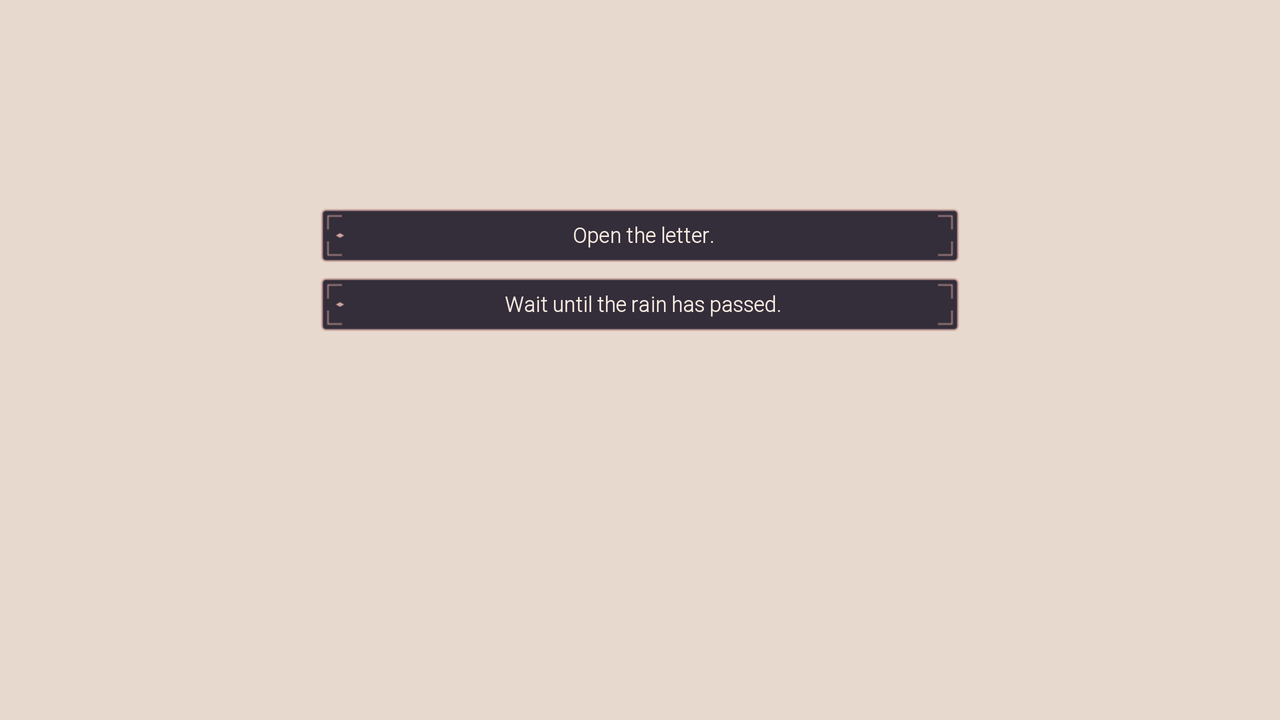
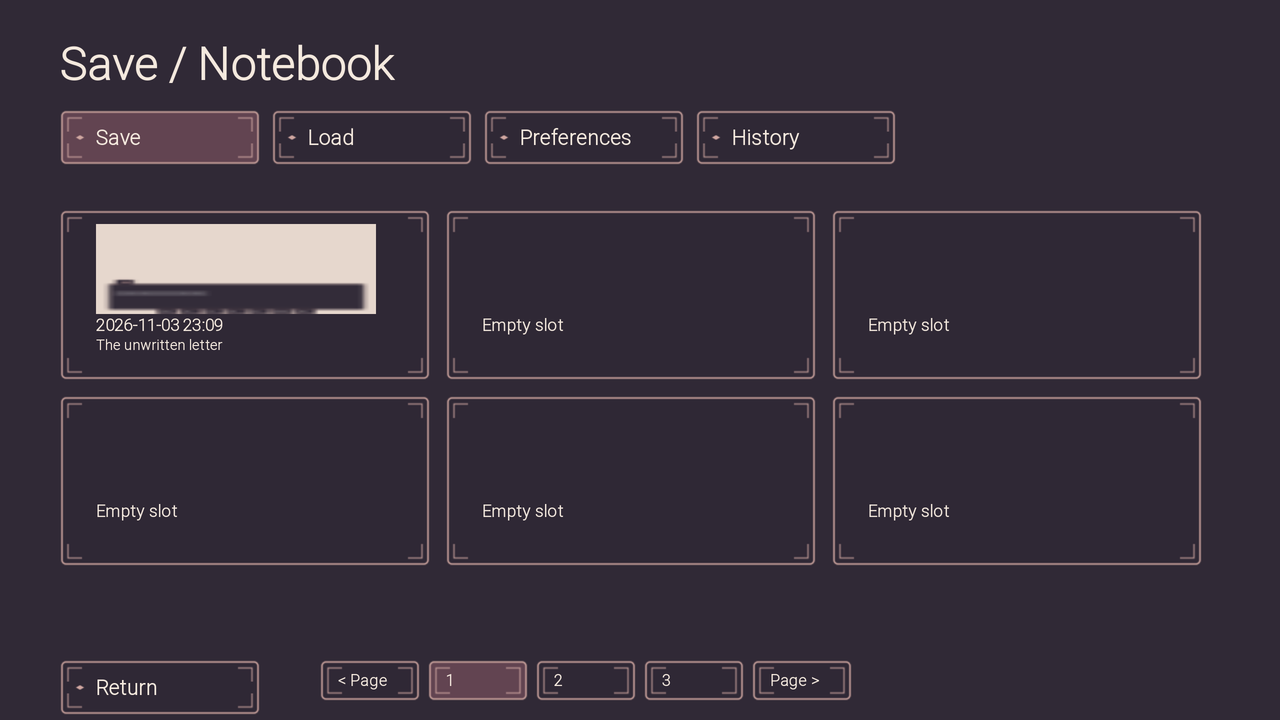
Start with the free files.
- 6 component families and 15 component/state entries
- 30 transparent PNGs at 1x/2x and 15 editable SVGs
- Two atlas PNG/JSON pairs with slice and text-padding metadata
The Ren’Py 8.5.3 and Godot 4.6 examples use a 1280 × 720 logical canvas on desktop. The sample includes English instructions, an English interface and an English/Chinese story text demo. The web preview adapts to narrow screens.
Full edition · $4.90
Includes 32 component families, 56 component/state entries, 112 PNGs and 56 editable SVGs. The Ren’Py template adds native save/load, preferences, history, replay, gallery unlocks, confirmations and notifications. The Godot example shows how to connect the art to a story branch, JSON checkpoints and reading settings.
Full edition on itch.io · $4.90 ↗
Use terms and AI assistance
Use and modify the art in unlimited personal or commercial finished games. Credit is optional. Standalone asset or template redistribution and resale are prohibited. Example code is MIT. Source Han Sans Lite is licensed under SIL OFL 1.1.
Vector design, code and documentation used AI assistance. The PNGs are exported from the included SVGs. The download contains UI assets and examples. Character art, backgrounds, CG illustrations, audio and music are outside the pack’s scope.
Notes from the worktable
A little help getting started.
Short, practical guides using the actual files on this shelf.
01 / Art files
Import the icons
Check transparent PNG edges, pick a state, and find atlas frame coordinates.
Read the guide →02 / Scene art
Plan a background scene
Test a dialogue area, keep aspect ratios intact, and compare states.
Read the guide →03 / Godot menus
Add a native Theme
Import the free sample, assign a Theme, and connect a pause-menu signal.
Read the guide →