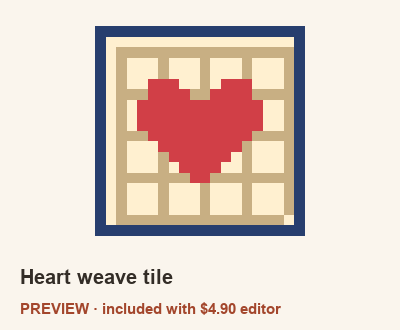
Included in the software download: 5 mm and 2.6 mm printable PDFs, PNG picture, editable project and color-count CSV. No separate pattern-pack purchase required.
Use a chart or change the design
After purchasing, unzip the software and open START-PATTERNS.html.
Pick the matching PDF pitch for your beads, print at 100% and check the calibration line.
To change colors, open index.html in your offline download, click Templates and choose Heart weave tile.
Use Replace to swap a color, or Pencil (B) to edit cells. Save a .bead project to keep editing later.